
Black Friday falls on Friday, November 27, 2026, and Cyber Monday on Monday, November 30. The traffic those days bring is the real test of your infrastructure, and the worst time to find out how it behaves is while customers are on the site.
This guide covers Infrastructure & Performance, one of the seven areas in our Black Friday and Cyber Monday 2026 Readiness Guide. It belongs in the Harden phase, because load testing and sizing only mean something once the code is final.
Test it, size it, then watch it
The order matters. Finish the code, load test that code, decide what capacity the result calls for, then set up the monitoring that tells you whether it holds. Doing these out of order is how a store gets sized for traffic it never tested.
| # | Step | What to do | Where it tends to break |
| 1 | Load test | Run the final code at and beyond expected peak traffic on a staging environment that matches production. | Testing old code, or a test that does not look like real shoppers. |
| 2 | Scaling | Decide what capacity you need from the result, and who makes the change (Adobe for Cloud, your team or host for self-hosted). | Asking for capacity too late, or sizing before the code is final. |
| 3 | Health check | Review servers and application: errors, slow requests, resource headroom, queues and cron. | Problems that look small on a normal day grow under load. |
| 4 | Backup & restore | Confirm backups run, then restore one to a test environment and time it. | Backups exist but nobody has ever restored one. |
| 5 | Monitoring | Know what you will watch, the thresholds that matter, and who is alerted. | Alerts go to someone who is offline, or watch the wrong numbers. |
Load test the code you will actually run
A load test only tells you something if you run it on the code you will ship. A late fix, a new extension or a change to checkout can all change how your store handles traffic, so if the code changes after the test, test again.
- Use a staging environment that matches production as closely as you can.
- Simulate realistic shopper behaviour: browsing, searching, adding to cart and checking out, not just loading the home page.
- Go beyond your expected peak, so you can see where things start to slow down or fail.
- Watch more than page speed: errors, queue backlogs, cron, search and database behaviour.
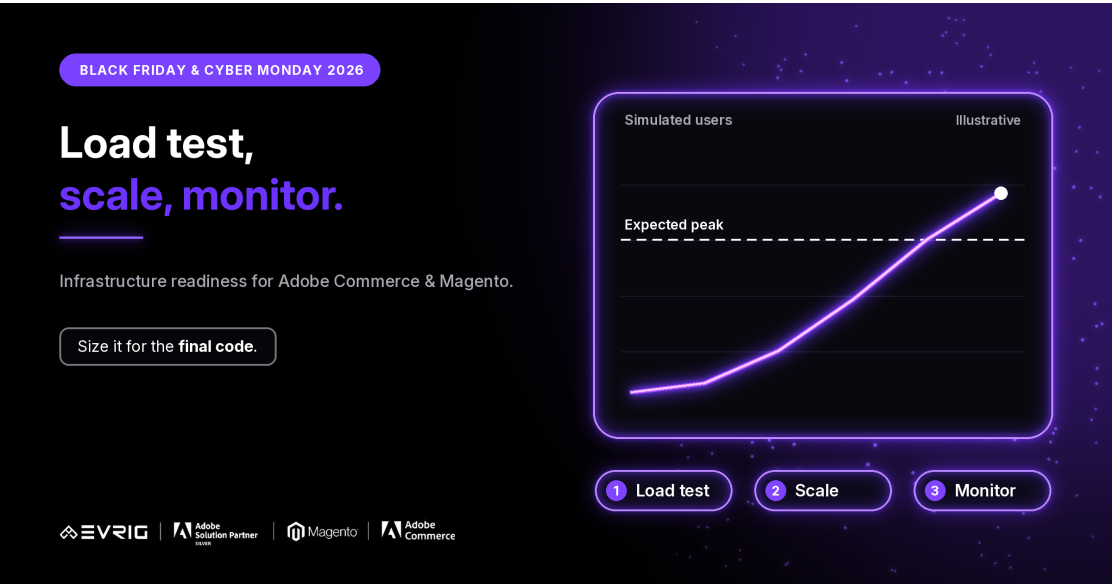
The chart in our LinkedIn post is illustrative: simulated users ramping up past an expected peak. Your own test results are the only numbers that matter for your store.
Scaling: who does what, and when to ask
Once you know what the test shows, decide what capacity you need and how it will be provided. This is where Adobe Commerce Cloud and self-hosted setups differ, and where starting late costs the most.
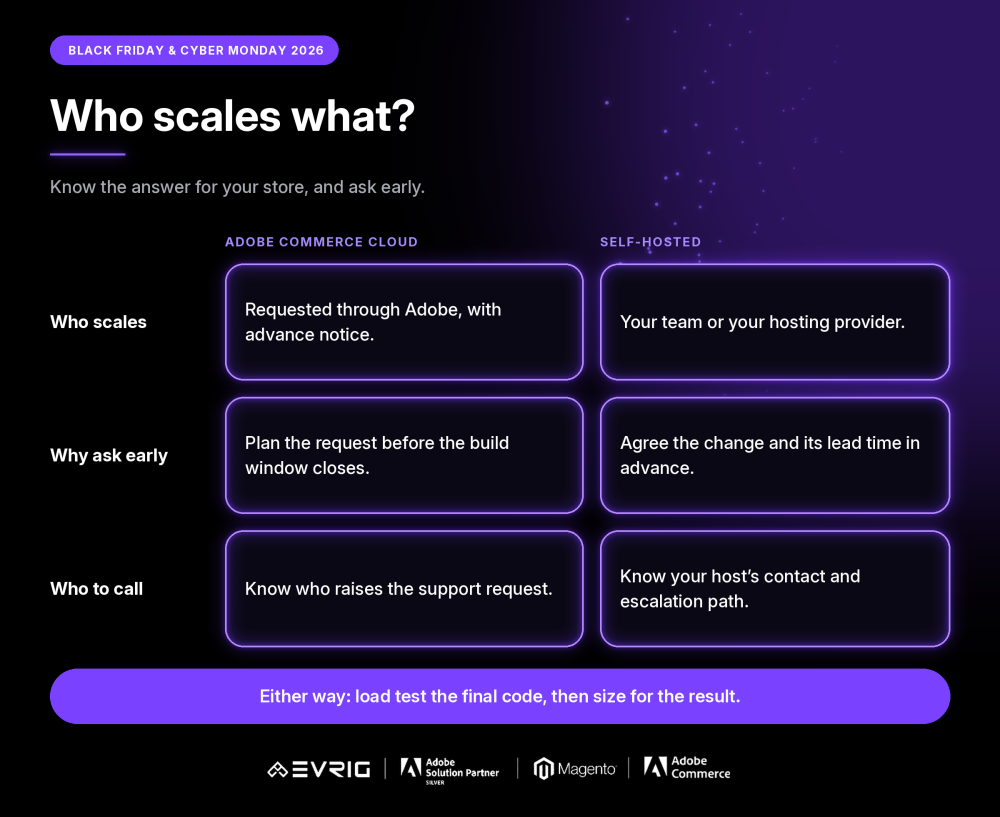
- On Adobe Commerce Cloud, capacity changes are requested through Adobe and need advance notice, so make the request early.
- On self-hosted Magento, your team or hosting provider makes the change. Agree how long it takes before you need it.
- In both cases, decide who raises the request and who approves it.
Health check, backups and monitoring
- Review the health of your servers and application before peak: errors, slow requests, headroom, queues and cron.
- Confirm backups run, then restore one to a test environment. A backup you have never restored is only a hope.
- Decide what you will monitor, the thresholds that matter and who is alerted, including out of hours.
- Check that alerts actually reach someone, by sending a test.
The restore test
Hypothetical example: on Black Friday afternoon a bad change corrupts product data. The team reaches for last night’s backup, and finds the restore takes far longer than anyone expected, or fails on a step nobody had tried. Test this before the freeze:
- Restore a recent backup to a test environment.
- Time it from start to a working store.
- Write down the steps and who runs them.
- Decide the point at which you would choose a restore over a fix.
Learning how long a restore takes in October is far cheaper than learning it on Black Friday.
Adobe Commerce vs Magento Open Source
Capacity changes: Adobe Commerce Cloud requests are handled through Adobe. Self-hosted capacity changes are handled by your team or hosting provider.
Allowlists: On Adobe Commerce Cloud with auto-scaling, third-party services that allowlist IP addresses should be checked. Self-hosted setups change less often.
Monitoring: Check what monitoring your plan includes, and where you need to add your own.
Details can vary by version and plan, so confirm against current Adobe documentation.
Where this fits in your timeline
This work sits in the Harden phase, from mid-October to early November, after the Build phase where the code is finished. Capacity requests have lead time, so start the conversation early.
The code freeze is the real deadline, and dates vary by merchant. Load test the final code, then freeze.
A pre-freeze checklist
- Has the final code been load tested on a production-like environment?
- Does the test go beyond your expected peak?
- Is the capacity decision made, and is the request raised if needed?
- Is it clear who raises capacity requests and who approves them?
- Has a backup been restored and timed?
- Do monitoring and alerts reach the right people, including out of hours?
- Will the load test be repeated if code changes after it?
How Evrig can help
Evrig works with Adobe Commerce and Magento Open Source merchants on infrastructure, performance and readiness. If you would like a second pair of eyes on your store before Black Friday and Cyber Monday, get in touch and we can help you test, size and monitor it before code freeze. Get In Touch