
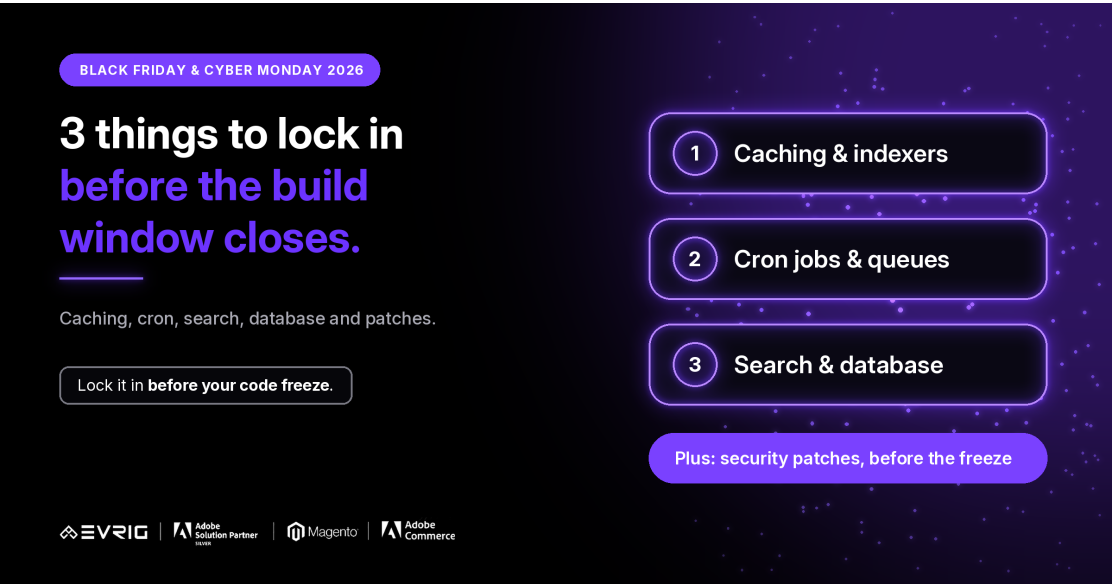
3 Things to Lock In Before the Build Window Closes: Caching, Cron, Search & Database
Black Friday falls on Friday, November 27, 2026, and Cyber Monday on Monday, November 30. Once your code freeze starts, the job changes from fixing things to checking them. So the time to sort out the quiet technical foundations is now, while changes are still allowed.
This guide covers Infrastructure & Performance and Security & Reliability, two of the seven areas in our Black Friday and Cyber Monday 2026 Readiness Guide. Three things come first: caching and indexers, cron jobs and queues, and search and database performance. Security patches are the fourth item that should not wait.
The quiet problems that turn a busy weekend into a stressful one
None of these are glamorous, and a store can look fine on a normal day with all of them misconfigured. They show up under pressure. Check each one on a staging environment that matches production, with your final code.
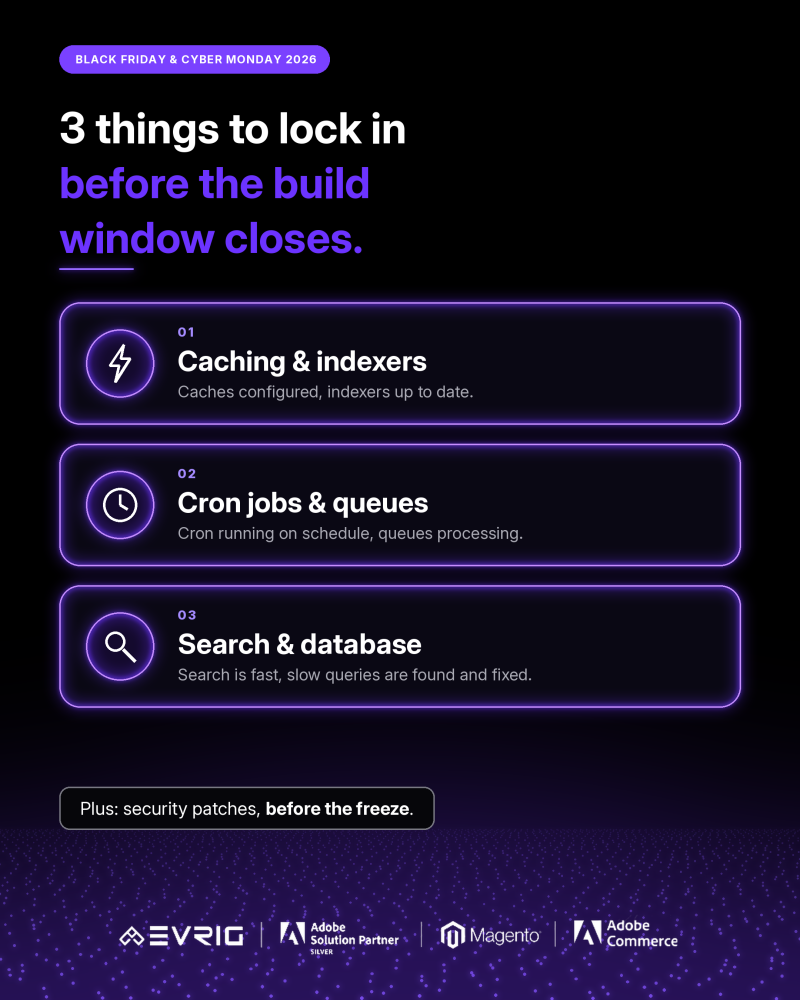
| # | Area | What to check | Where it tends to break |
| 1 | Caching & indexers | Full page cache and cache backends configured and warmed; indexers valid, with the right mode (on save or by schedule) for each. | Stale prices or stock after a change; cache flushed at the wrong moment; indexers stuck behind. |
| 2 | Cron jobs & queues | Cron runs on schedule with no stuck or missed jobs; queue consumers running and backlogs clearing. | Emails, order exports and stock updates silently stop when a job stalls. |
| 3 | Search & database | Search returns results quickly for top terms; slow queries found and fixed; tables and indexes sensible. | Search slows under load; one heavy query holds up the whole store. |
| 4 | Security patches & updates | Latest security patches and extension updates applied and tested on staging before the freeze. | Patching late, then freezing with an untested change, or not patching at all. |
Each area is simple to state and easy to leave until later. The aim is that by the time the code freeze begins, every row has an owner and a result.
-
Caching and indexers
- Is full page caching on, and does it cover your busiest pages: home, categories, product pages?
- Are your cache backends set up the way you intend for production?
- Are all indexers valid, and is each one in the right mode (update on save or by schedule) for how your catalogue changes?
- What happens to the cache after a price or promotion change? Check that it refreshes when it should and not constantly.
-
Cron jobs and queues
- Is cron running on schedule, with no missed or stuck jobs?
- Are queue consumers running, and do backlogs clear on their own?
- Do the jobs that matter on a sale day (emails, order exports, stock updates, scheduled promotions) all complete?
- Who is alerted if cron stops, and how quickly?
-
Search and database performance
- Do your top search terms return results quickly?
- Have slow queries been found (for example through a slow query log) and fixed or indexed?
- Are large tables and old data, such as logs and old sessions, under control?
- Does anything heavy, like a big import or report, run at peak times?
Plus: security patches and updates
Apply the latest security patches and extension updates before the freeze, and test them on staging. Patching late means going into the busiest weekend with an untested change, and not patching means carrying a known risk into it. Both are avoidable.
The Monday-morning test
Hypothetical example: on Cyber Monday morning, orders are coming in but confirmation emails are not going out, and a sale price still shows the old price on some pages. The cause is not a bug in checkout. Cron stalled overnight and an indexer fell behind. Test these before the freeze:
- Stop cron on staging for a while. Do you notice, and who gets alerted?
- Change a price. How long before every page shows it?
- Let a queue back up. Does it clear, and how long does it take?
- Run a heavy search while orders are placed. Does anything slow down?
Seeing it fail on staging is far cheaper than seeing it fail on Black Friday.
Adobe Commerce vs Magento Open Source
Caching and hosting: Adobe Commerce Cloud includes managed services, so some cache, search and database settings are handled through your cloud configuration. Self-hosted setups configure and monitor these themselves.
Patches: Check how security patches reach your edition and who applies them. Cloud and self-hosted setups handle this differently.
Search: Adobe Commerce may use Live Search or OpenSearch. Magento Open Source uses OpenSearch.
Details can vary by version and plan, so confirm against current Adobe documentation.
Where this fits in your timeline
This work sits at the end of the Build phase and carries into Harden, from now to early November, where security, load testing and scaling take over. Load testing only means something once the code is final, so get these foundations in place first.
The code freeze is the real deadline, and dates vary by merchant. Anything not fixed by then becomes something to monitor, not something to fix.
A pre-freeze checklist
- Are caching and indexers configured and verified on staging?
- Are all indexers valid, in the right mode?
- Is cron running on schedule, with an alert if it stops?
- Are queues being processed, and do backlogs clear?
- Are search and database slow spots found and fixed?
- Are security patches and extension updates applied and tested?
- Is the code freeze date known, and who approves exceptions?
How Evrig can help
Evrig works with Adobe Commerce and Magento Open Source merchants on performance, security and readiness. If you would like a second pair of eyes on your store before Black Friday and Cyber Monday, get in touch and we can help you check and fix these before code freeze. Get In Touch