
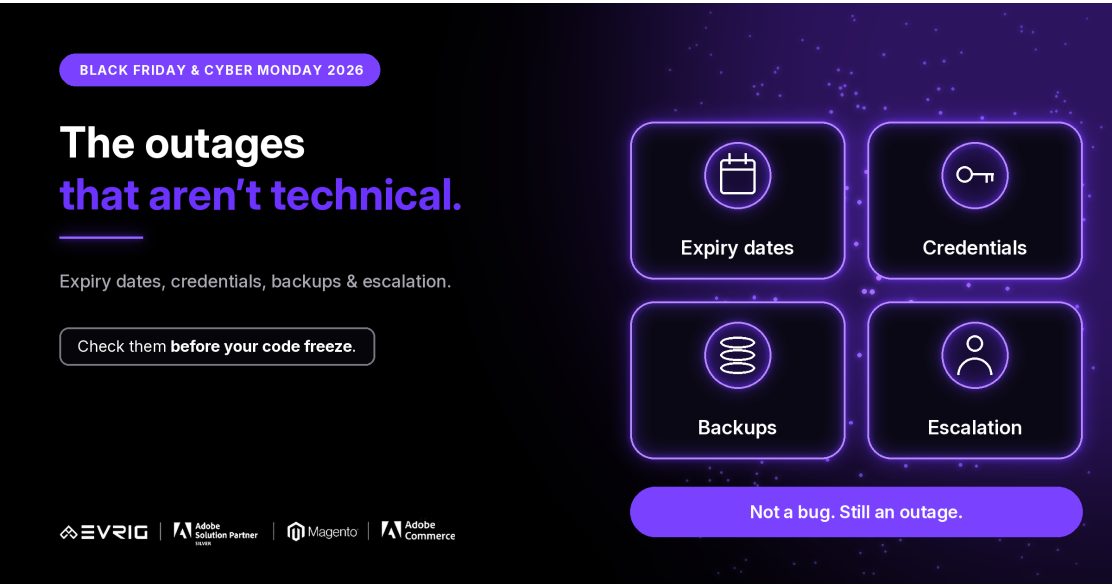
Black Friday falls on Friday, November 27, 2026, and Cyber Monday on Monday, November 30. When teams prepare for those days, most of the attention goes to code and servers. But some of the most avoidable outages have nothing to do with either.
They come from a certificate that expired, a domain that lapsed, a card that was no longer valid on a service account, or a login only one person held. This guide covers Security & Reliability, one of the seven areas in our Black Friday and Cyber Monday 2026 Readiness Guide. It sits in the Harden phase, and none of it needs a developer.
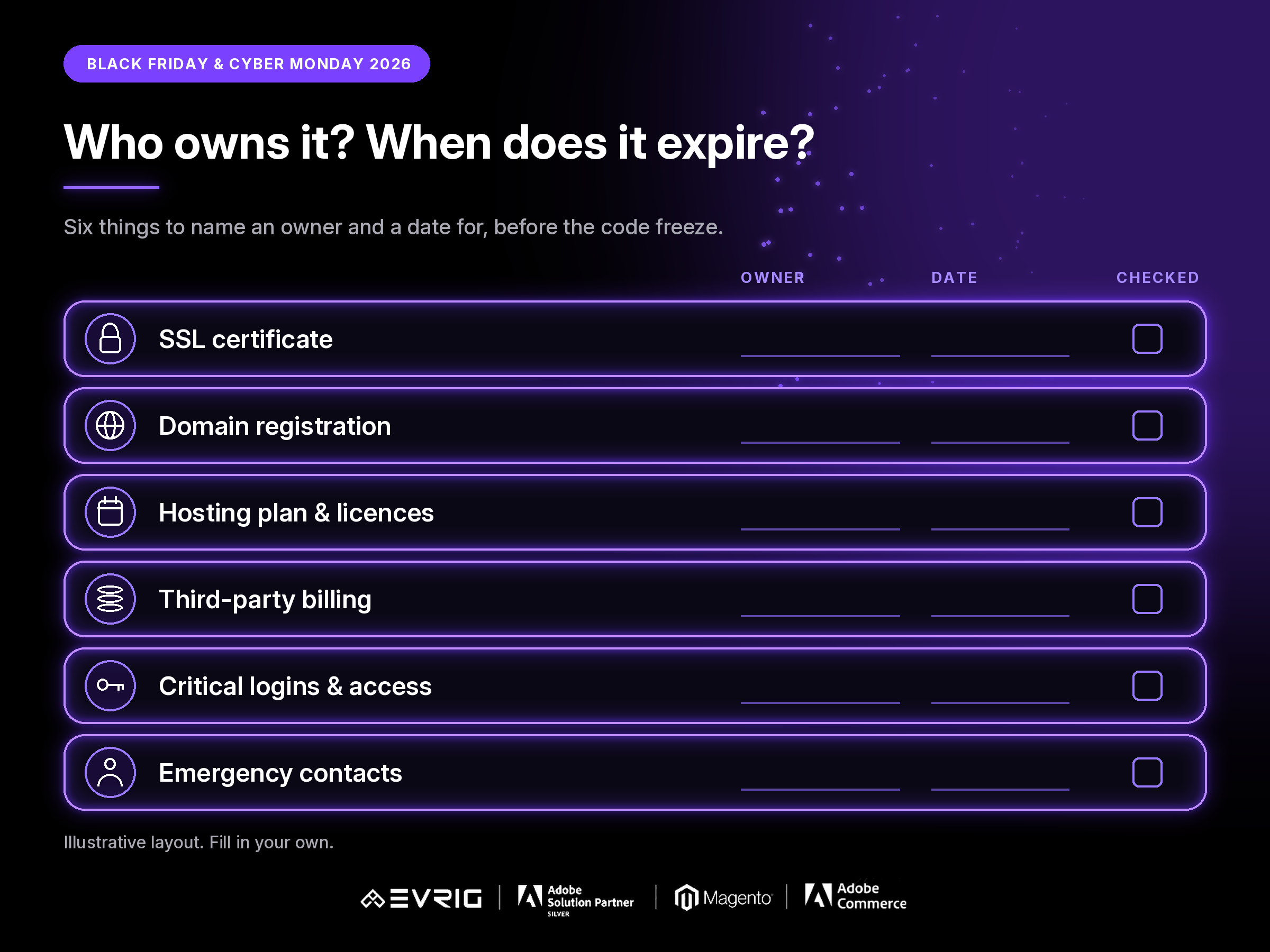
Six places where a store goes down without a bug
Each of these is simple to check and easy to forget, because nothing looks wrong until the day it fails. Give each one an owner and a date.
| # | Area | What to check | Where it tends to break |
| 1 | SSL & domain | Certificate and domain registration renewal dates, and who is notified before they lapse. | An expired certificate shows customers a warning; a lapsed domain can take the store offline. |
| 2 | Hosting & licences | Hosting plan renewal and limits, plus licence and extension renewals. | A renewal or plan limit nobody noticed arrives in the middle of a sale. |
| 3 | Third-party billing | Payment details on every paid service the store depends on: payments, email, search, monitoring and more. | An expired or declined card quietly switches off a service. |
| 4 | Credentials & access | Who can reach which system, and whether anyone else can if they are away. | Only one person holds the login, and they are unavailable. |
| 5 | Backups & restore | Backups run, and a restore has been tried and timed. | Backups exist but nobody has ever restored one. |
| 6 | Escalation | Emergency contacts, who decides, and how to reach your host or Adobe support. | Nobody knows who to call, or the contact has left. |
Expiry dates and billing
- List every certificate, domain, hosting plan and licence the store depends on, with its renewal date.
- Check who receives the renewal reminders. If it is an email address nobody reads, the reminder is useless.
- Check the payment details on every paid third-party service, not only the obvious ones.
- Renew anything that expires near the sale now, rather than the week before.
Credentials and access
- Make a list of the systems the store needs to run: hosting, domain, payment, email, search, monitoring, source code.
- For each, check that more than one trusted person can reach it.
- Remove access for people who have left, and check where recovery codes and recovery emails go.
- Do not keep credentials in a shared document or chat. Use whatever secure method your company already uses.
Backups and restore
- Confirm backups run on schedule and that someone sees it if one fails.
- Restore a backup to a test environment at least once, and time it.
- Write down who runs a restore and when you would choose it over a fix.
Emergency contacts and escalation
- Write one page: who to call first, who decides, and who the backup is for each.
- Include how to reach your hosting provider or Adobe support, and who is allowed to raise a request.
- Check the contact details are current, including out-of-hours numbers.
The Saturday-night test
Hypothetical example: late on Black Friday night, customers start seeing a browser warning on your checkout page. The certificate expired. The renewal reminder went to an old email address, and the only person with access to the account is travelling. Nothing was broken in the code. Test this before the freeze:
- Ask who would be told if a certificate or domain were about to expire.
- Ask who else could renew it if that person were unavailable.
- Ask who to call, and in what order, if the store went down at night.
Answering these questions in October takes an afternoon. Answering them on Black Friday night is much harder.
Adobe Commerce vs Magento Open Source
Hosting and infrastructure: On Adobe Commerce Cloud, parts of the infrastructure are managed through Adobe, so check what you are responsible for and how you reach support. Self-hosted setups depend on your own host.
Licences: Adobe Commerce is licensed, while Magento Open Source is not. Extensions and third-party services on either may have their own renewals.
Certificates and domains: Who manages them differs by setup. Confirm who holds them in yours.
Details can vary by version and plan, so confirm against current Adobe documentation.
Where this fits in your timeline
This work sits in the Harden phase, from mid-October to early November, alongside load testing and scaling. It is quick to do, but renewals and access changes can take days, so start early.
The code freeze is the real deadline, and dates vary by merchant. Anything not sorted by then becomes a risk to watch, not a task to finish
A pre-freeze checklist
- Is every certificate, domain, hosting plan and licence listed with a renewal date?
- Does each renewal reminder reach someone who will act on it?
- Are payment details valid on every paid third-party service?
- Can more than one trusted person reach each critical system?
- Has a backup been restored and timed?
- Is there a one-page escalation sheet with current contacts?
- Is the code freeze date known, and who approves exceptions?
How Evrig can help
Evrig works with Adobe Commerce and Magento Open Source merchants on reliability, security and readiness. If you would like a second pair of eyes on your store before Black Friday and Cyber Monday, get in touch and we can help you check these before code freeze. Get In Touch